
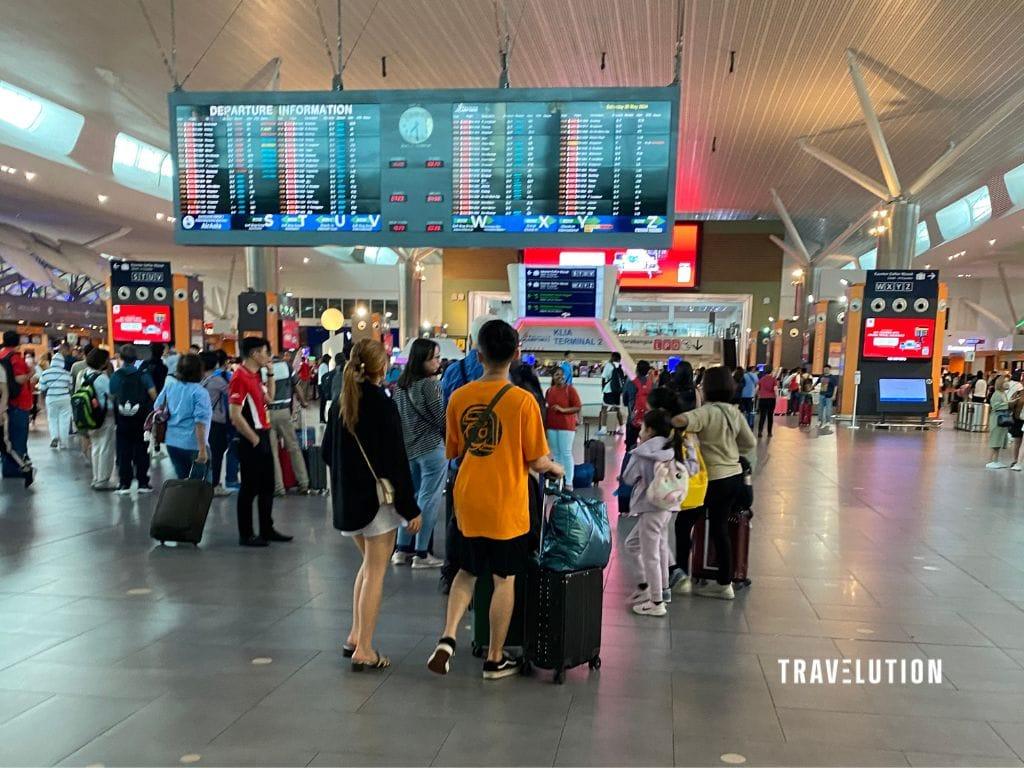
MyBorderPass (often written MyBorder Pass) links a passport to a phone and creates a traveller QR code for scanning at selected Malaysian immigration gates. It is a clearance option, not a replacement for your passport or a promise of a shorter queue.
Guide reviewed: 29 October 2026. Check the current app and checkpoint instructions before travelling; Malaysia’s digital immigration systems are being integrated in stages.
Who can use MyBorderPass?
The provider’s FAQ describes eligibility for Malaysian passport holders with a smartphone who are at least 120cm tall. Use is optional: eligible travellers can choose a passport autogate or a manual immigration counter instead.
Do not assume every gate supports the same app. Before joining a queue, check its signs or ask an Immigration officer which lane is suitable for you and any children travelling with you.
How to use MyBorderPass
1. Download the correct app
Use the developer’s listing on Google Play or the Apple App Store. Both describe an app that links your passport to your device and creates a MyBp QR code. Check compatibility on the store rather than relying on an old device-requirements checklist.
2. Register before your trip
Follow the current in-app registration instructions to link your passport and complete identity verification. Allow time to resolve errors before you leave home. Check that your details match your travel document, and update the passport details in the app after renewal.
3. Present your phone’s QR code at a supported gate
- Open the app and sign in. Generate your traveller QR code using the current in-app instructions.
- Present the QR code displayed on your phone to the gate’s scanner. You do not scan a QR code displayed at the gate with your phone.
- Follow the gate’s face-recognition and clearance prompts, and any instructions from Immigration staff. Use the live in-app QR rather than a screenshot.
Keep your physical passport with you
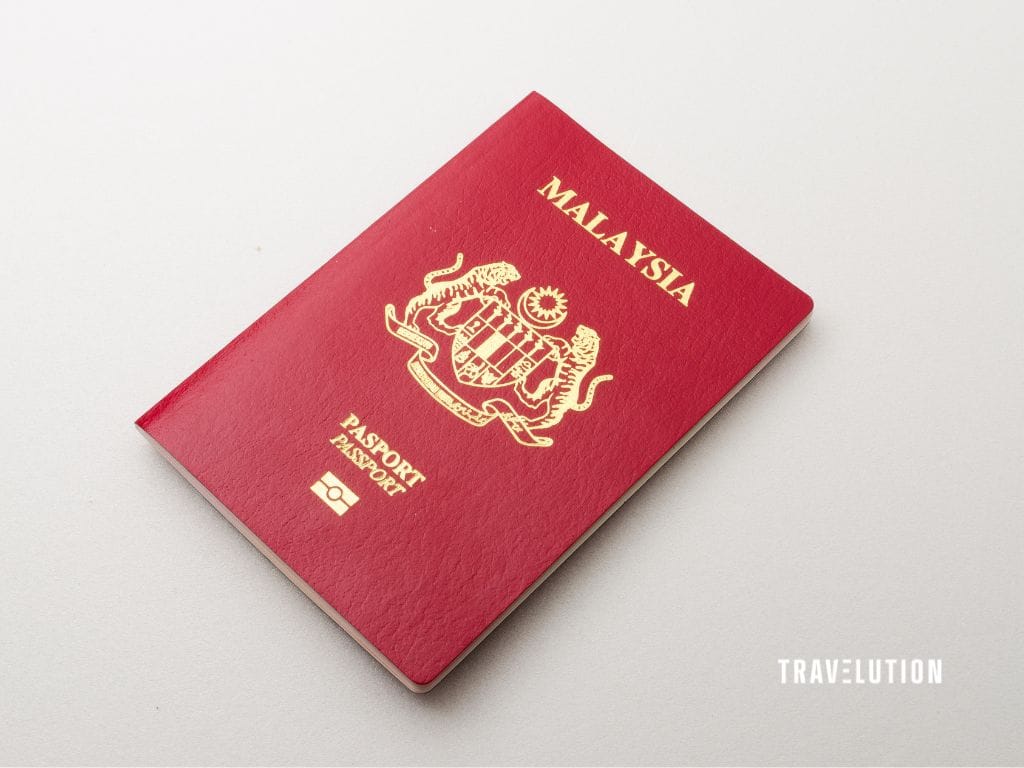
You must still carry your physical passport. MyBorderPass does not replace this travel document. Keep it accessible rather than packed in checked baggage.
If the QR code cannot be generated or facial recognition fails, proceed to an immigration counter for assistance and clearance. Do not keep retrying while blocking the gate.
Before you leave home
- Prepare, but keep a backup plan. Charge your phone, confirm that you can sign in and allow normal airport time. A digital gate does not guarantee a particular clearance time.
- Check the whole itinerary. Confirm passport validity, visas and destination entry requirements separately; successful app registration is not entry permission.
- Review your cover. Read your travel insurance policy, including limits and exclusions. Keep essential documents and medication in your cabin bag; our lost or delayed baggage guide explains what to do if a bag does not arrive.
MyBorderPass and MyNIISe: check the latest instructions
In a 4 March 2026 parliamentary reply reported by RTM, the government described MyBorderPass as a temporary proof-of-concept measure alongside MyNIISe development. It also said MyNIISe was not mandatory and passport-based clearance options remained.
That dated statement is context, not a guarantee that MyBorderPass is available at your checkpoint today. A phased integration announcement does not, by itself, confirm that MyBorderPass has been discontinued. Check Immigration Department announcements, current app notices and local lane signage before relying on a particular digital route.